

Most small businesses are sitting on a pile of documents nobody reads properly: onboarding guides staff skim once and forget, proposals clients open on their phone and never finish, reports that get forwarded and ignored. Google just shipped a feature that turns any of those documents into a short narrated video automatically, and it is available on the cheapest paid Google Workspace plan there is. According to Google’s own Workspace Updates announcement, the rollout began on 5 September 2026.
Here’s what it actually does, who gets it without paying more, and where it genuinely helps a New Zealand business versus where it’s just a novelty.

What actually changed in Google Workspace this month
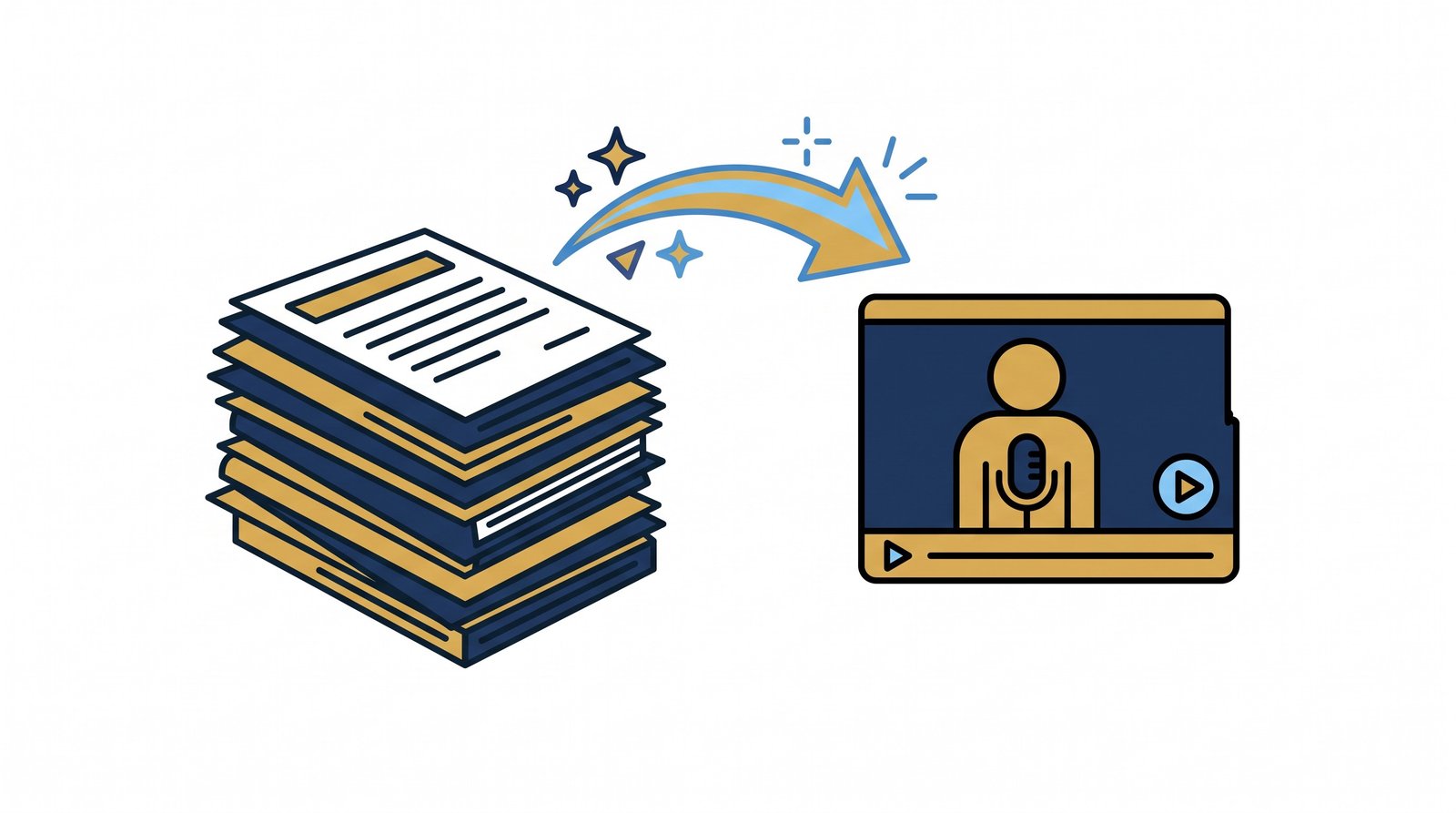
Google Vids — the video tool built into Workspace — now has a “Docs to Video” option. Point it at a Google Doc, a PDF, or a Microsoft Word file, either from your Drive or uploaded from your computer, and it uses AI to read the document, write a script, add narration, and generate visuals to match, producing a finished short video without anyone touching a timeline or a microphone. Google’s own framing is training material, meeting notes, and “lengthy documentation and reports” — exactly the category of content that gets written once and read by almost nobody.
You can edit the generated script before it renders and pick a different narration voice if the default doesn’t suit. It’s available now at vids.new or through the File menu in Vids.
Who gets it, and what it costs
This is the detail worth sitting up for: per Google’s published availability list, Docs to Video is included on Business Starter — the entry-level paid Workspace tier — as well as Standard, Plus, and the Enterprise range, plus Google AI Plus, Pro, and Ultra consumer plans. It is not gated behind an expensive upgrade. If your business already pays for any paid tier of Workspace, you already have this. Google prices Workspace in US dollars on its official pricing page; New Zealand billing converts to NZD plus 15% GST at checkout, so confirm your exact rate there rather than trusting a number from anywhere else, including this post.
For context on why “included, not an add-on” matters: Google folded its Gemini AI features into Workspace Business and Enterprise plans back in January 2025, rather than charging separately for them. We covered that shift and what followed at Cloud Next 2026 in our earlier look at Workspace’s AI rebuild — this post is about the newest piece of that, not a repeat of it.
Why this matters for a business that isn’t a media company
You don’t need a marketing team to get value from this. Three uses come up immediately for a typical NZ small or mid-sized business:
- Client-facing recaps. Turn a written proposal or a project update report into a 90-second video a client can watch on their phone between meetings, instead of skimming a PDF and missing the part that mattered.
- Staff onboarding and training. Convert your existing SOPs and induction documents into short videos new staff actually watch, instead of a folder of Word files nobody opens past page one.
- Internal reporting. A monthly performance or finance report becomes a video summary the team will actually sit through, rather than a spreadsheet attachment that gets a single “thanks, noted” reply.
None of this requires a video budget, a camera, or someone who knows how to edit. That’s the actual shift — video stops being a specialist deliverable and becomes something you generate the same way you’d export a document to PDF.

Where it’s genuinely useful, and where it’s a gimmick
It’s genuinely useful for internal and low-stakes communication: training material, meeting recaps, status updates, anything where “good enough and actually watched” beats “polished and ignored.”
It is not a replacement for produced brand video. A client-facing sales video, a paid ad, or anything carrying your brand into the world in front of new prospects still needs a human doing the thinking about tone, pacing, and what a first-time viewer needs to see in the first three seconds. An AI narrating your own document back to you is a productivity tool, not a creative one — it has no opinion on what matters most in the document, it just narrates all of it. Treat the output as a strong first draft you can trim, not a finished ad.

The catch nobody’s mentioning: there’s no switch to turn it off
Google’s own documentation is explicit about this feature: “there is no admin control for this feature” and “there is no end user setting for this feature.” If your business is on an eligible plan, every user who can open Vids can already turn any document they can access into a video — there is no toggle for an IT admin to review it first or switch it off for certain staff.
That matters more than it sounds. Before this rolled out at your business, it’s worth a quick, honest check of who has access to what in your Drive. A generated video is still a copy of whatever was in the source document, narrated and packaged — if a document has commercially sensitive figures or personal client information in it, that risk doesn’t disappear because the format changed from a page to a clip. This is exactly the kind of governance conversation we have with clients before switching on any new Workspace AI feature: know what’s shareable before you make it easier to share.

How to actually get value from it, not just play with it once
- Start with a document that’s already ignored. Your least-read SOP, the onboarding doc nobody finishes, or last quarter’s report nobody opened. That’s your highest-return first test, not a document that’s already working fine as text.
- Read the generated script before you render. The AI narrates everything in the document at roughly equal weight — it doesn’t know your one paragraph that actually matters. Trim it to the point before you publish.
- Keep it short. A two-minute video of your densest report will get watched. A twelve-minute one will get skipped exactly like the document did.
- Check who can see the source document first. Given there’s no admin control on this feature, that check happens on your side, not Google’s.
How BeyondClix works with Google Workspace and Cloud
We set businesses up on the right Workspace plan for how they actually work, get governance and sharing permissions right before any AI feature gets switched on, and make sure new capability — like this one — actually gets used rather than tried once and forgotten. If you’re not sure what your current Workspace subscription already includes, or whether your sharing settings are tight enough to hand a feature like this to your whole team safely, that’s worth a proper look.
Explore our full range of services, or get in touch with the BeyondClix team for a straight assessment of where your setup stands.
Frequently asked questions
What is Google Vids’ new “Docs to Video” feature?
An AI tool inside Google Vids that converts a Google Doc, PDF, or Word file into a narrated video automatically — generating the script, narration, and matching visuals from the document’s own content. It began rolling out from 5 September 2026 and is available at vids.new or through the File menu in Vids.
Do I need to upgrade my Google Workspace plan to use it?
Probably not. Per Google’s published availability list, it’s included on Business Starter — the entry-level paid tier — as well as Standard, Plus, and Enterprise plans. If you already pay for any paid Workspace tier, you likely already have access.
Can I edit the video before it’s finished?
Yes. Google Vids generates a script first, which you can edit, and lets you choose a different narration voice before the final video renders.
Can an administrator switch this feature off for staff?
No. Google’s own documentation states there is no admin control and no end-user setting for this feature — it’s on by default for everyone on an eligible plan. That makes it worth reviewing your Drive sharing permissions before the feature reaches staff who might turn sensitive documents into shareable videos.
Is this a replacement for professionally produced business video?
No. It’s a strong tool for internal and low-stakes communication — training, recaps, reports — where getting watched matters more than polish. Client-facing brand video, ads, and anything representing your business to new prospects still benefits from a human making deliberate choices about tone and pacing, which an AI narrating your own document back to you doesn’t do.
Sources
- Google Workspace Updates — Turn Google Docs, PDFs, and Word files into video summaries in Google Vids (published September 2026; feature detail, plan availability, rollout dates, “no admin control” statement)
- Google Workspace — official pricing page (current plan pricing, billed in USD, converts to NZD plus GST at checkout)
- Google Workspace Blog — The future of AI-powered work for every business (15 January 2025; background on Gemini being bundled into Workspace Business and Enterprise plans)
All figures verified against Google’s own primary announcements and documentation on 28 September 2026.
Want this run for your business?
Talk to our team. We will show you where the money is leaking and what we would do about it.