

It’s the first week of the month and you ask your agency a simple question: how many enquiries did the ads bring in? You get a 14-page PDF. Page 9 mentions clicks, page 11 mentions impressions, and nobody says how many people actually rang or filled in a form.
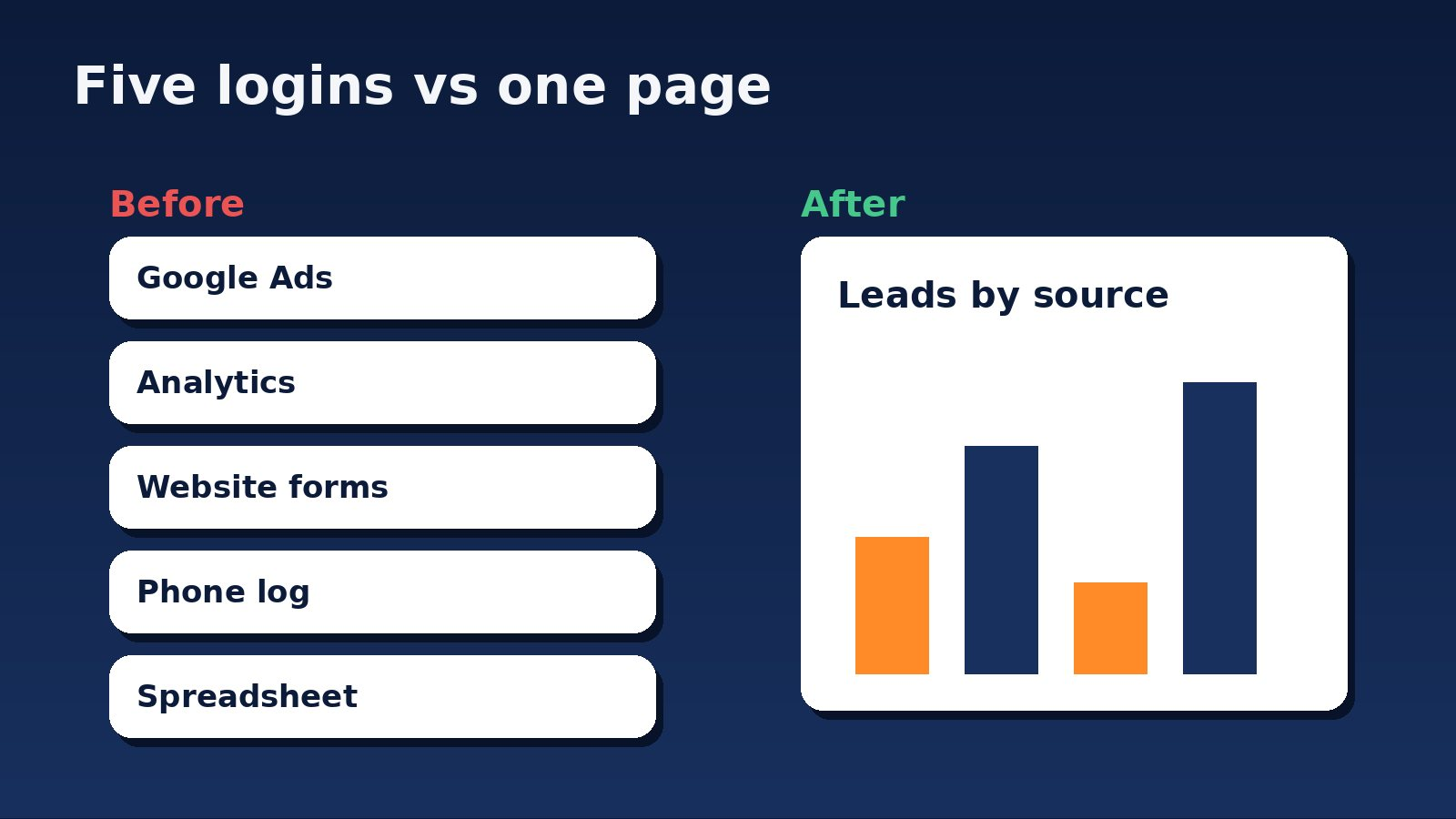
A marketing dashboard fixes that. It is one page, kept up to date automatically, that shows your leads and what they cost. Google has just changed the tool most dashboards are built in, so this is a good moment to explain what a dashboard should do for you, what to ask for, and how to tell a useful one from a pretty one.
What Google changed
Many agencies, including us, build reporting dashboards in Google’s free reporting tool. It used to be called Looker Studio. Google’s own release notes say that on 16 April 2026, “We’ve rebranded Looker Studio as Data Studio.” You will still see both names around the web, and some Google pages haven’t caught up (Google, Data Studio release notes).
The more interesting change is a feature that lets you ask your data a question in plain language. Google calls it Conversational Analytics. Its release notes state it was made available to all Data Studio users on 16 April 2026, and that on 30 July 2026 it became “generally available”, meaning out of preview. A June 2026 entry adds support for multi-region BigQuery data agents (Google, Data Studio release notes).
Be clear about what that is. These are Google’s descriptions of its own product. We haven’t tested it on a client account with real NZ data, and a tool that answers questions is only as good as the numbers behind it. If your lead tracking is patchy, a clever question box will give you a confident answer built on bad data.
What a marketing dashboard is for
Ignore the technology for a moment. A dashboard has one job: let you make a decision without phoning anyone. If you can’t tell from it whether to spend more, spend less or change something, it’s decoration.
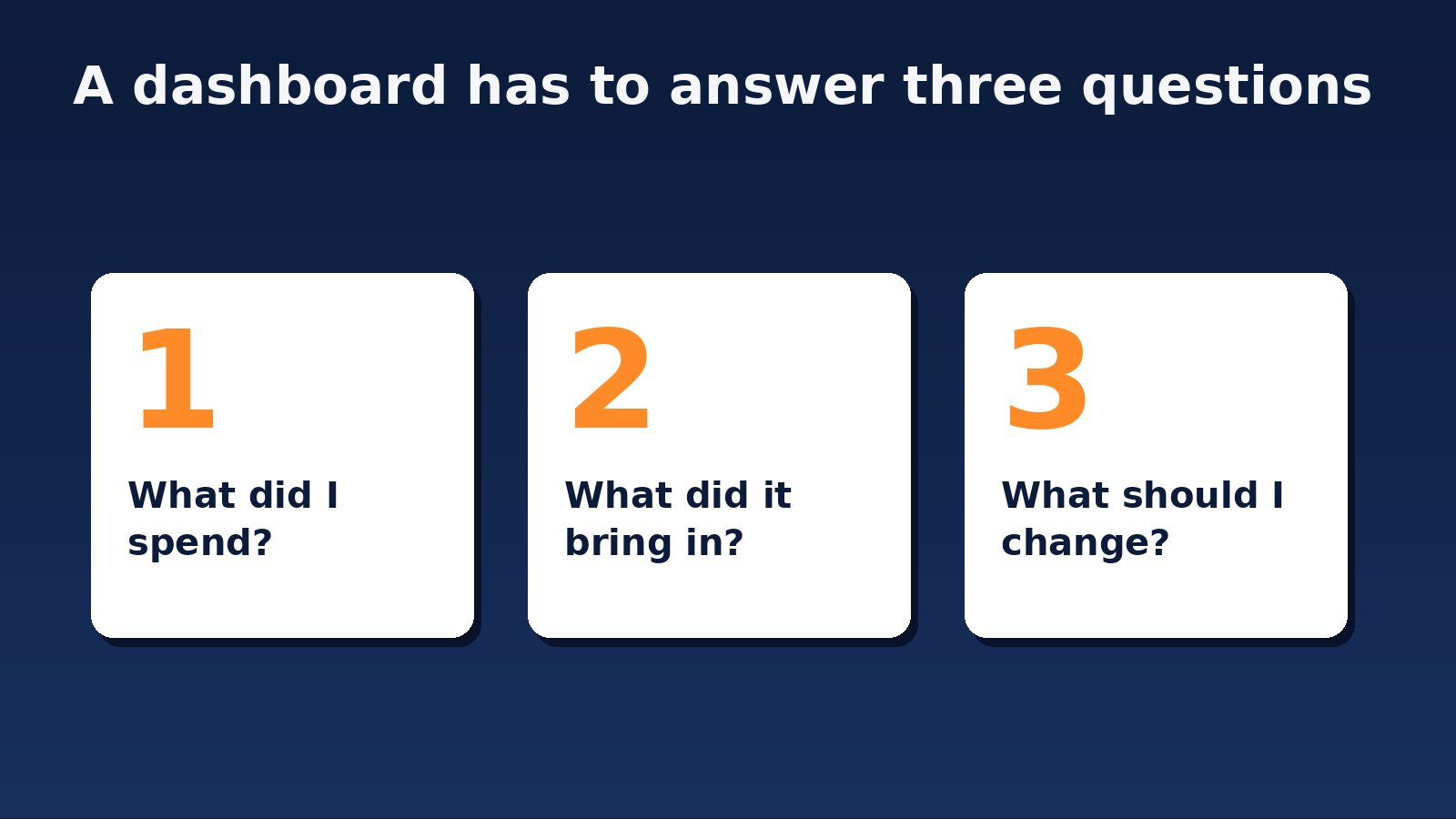
Every good one answers three questions:
- What did I spend? Across ads, tools and agency fees, in dollars.
- What did it bring in? Enquiries, calls, bookings or sales, not clicks.
- What should I change? Which campaign or channel is earning its keep and which isn’t.
Notice what’s missing: impressions, click-through rates, and “engagement”. Those are things your agency may watch, but they aren’t what you’re paying for.
What should be on it
For a typical NZ service business we’d put six things on the first screen:
- Total enquiries this month, compared with last month
- Enquiries by source: Google Ads, search results, social, direct
- Phone calls and form submissions shown separately
- Total ad spend
- Cost per enquiry
- For online shops, revenue and return on ad spend
That’s it. Detail can sit on a second page for the people who want it. A first screen with thirty charts tells you the person building it wasn’t sure what mattered.
Where dashboards go wrong
The common failure is a dashboard that looks good and counts the wrong thing. Typical causes:
- Phone calls aren’t tracked, so the biggest source of leads for many local businesses shows as zero.
- Every form submission counts, including spam and “sorry, wrong number” enquiries.
- The numbers don’t match your own records. If the dashboard says 52 enquiries and your inbox says 31, one of them is wrong.
- Nobody owns it. The account is in the agency’s name, and you lose it if you leave.
Before you trust a dashboard, check one month against your own records. It takes ten minutes and tells you more than any demo. Our guide to which ads made the phone ring covers the tracking side in more detail.

What does a dashboard cost, and how long does it take?
The reporting tool itself is Google’s, and Google’s release notes distinguish a free tier from a paid Pro tier (hourly scheduled delivery and data residency are listed as Pro features). We haven’t priced Pro for NZ, so check Google’s current pricing before you assume a number. Most of the cost in a dashboard is not the software. It’s the setup work: connecting your ad accounts, call tracking and forms, then checking that the numbers are right.
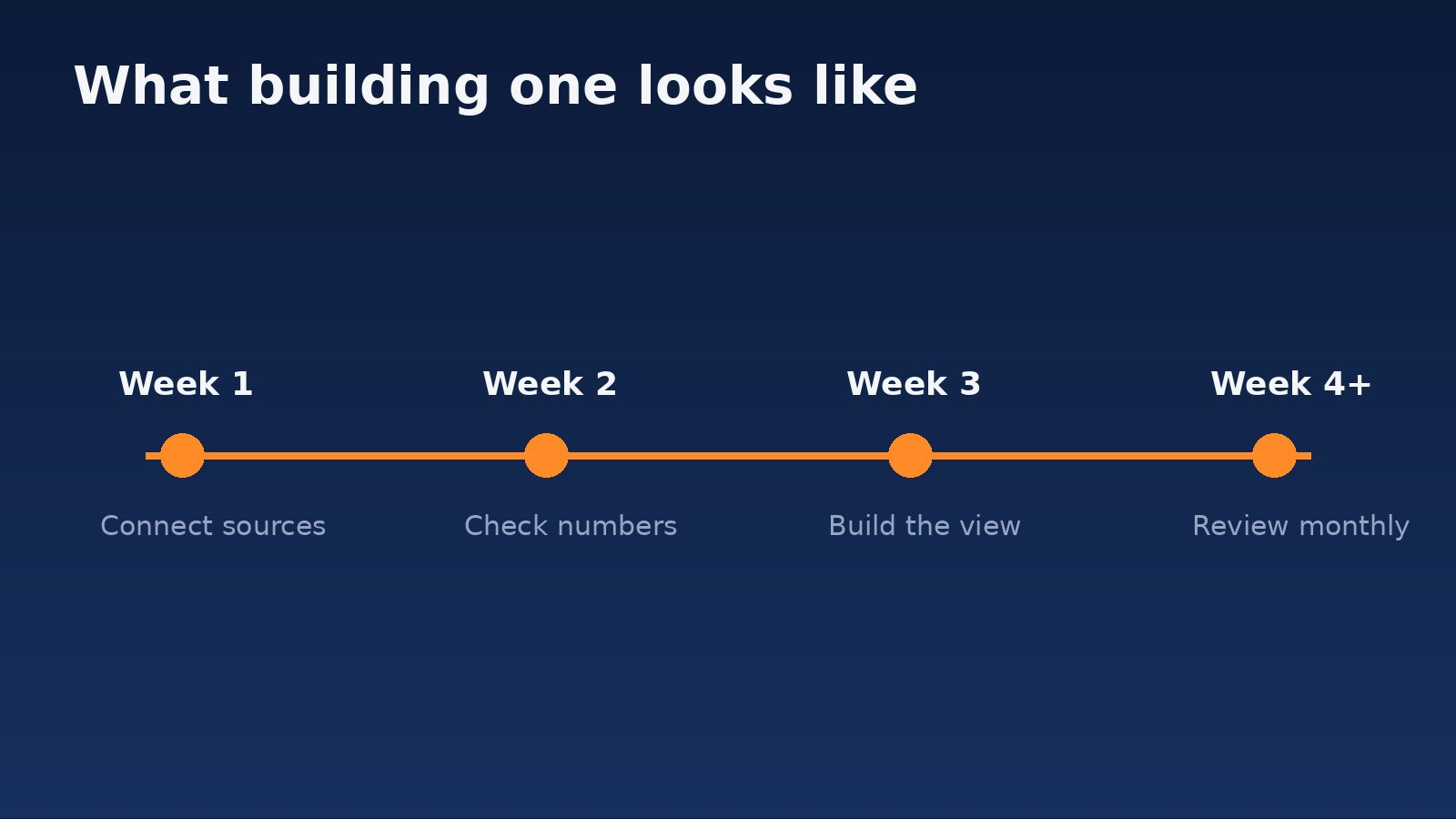
For a business with a few channels, plan on a few weeks from kickoff to a dashboard you can trust. The slow part is rarely the building. It’s finding and fixing the tracking gaps that the building exposes. Our published plans are on the pricing page.
Do you need the “ask a question” feature?
Probably not yet. It’s useful when you have a lot of data and someone who knows what to ask. For most small and mid-sized businesses the gain comes from the basics: correct tracking, a clean first screen, and someone who explains it each month. Treat the new features as a possible extra on top, not a reason to switch agency or tool.
One caution. Conversational features can return a tidy, authoritative-sounding answer. Check it against a number you already know before you act on it.
Questions to ask your agency
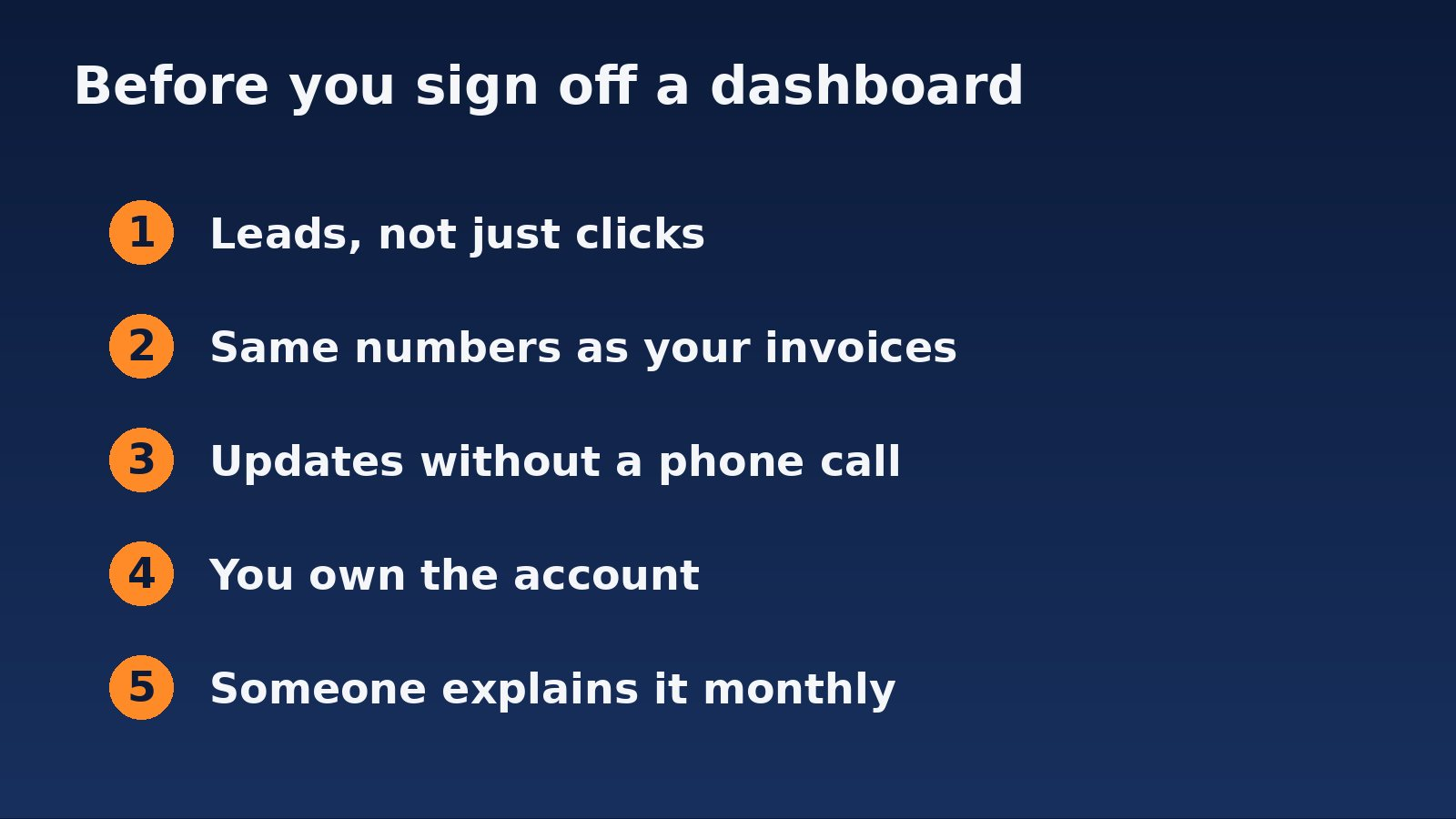
- Does it show leads, or just clicks?
- Do the numbers match my own records? Test one month.
- Does it update itself, or does someone export and paste each month?
- Who owns the account? It should be yours, with the agency given access.
- Who will walk me through it? A dashboard nobody explains goes unread.
If you’d like a dashboard that answers those questions, BeyondClix builds them for Auckland and New Zealand businesses as part of our analytics and reporting services. Get in touch and we’ll start by checking whether your tracking can support one.
Frequently asked questions
Did Looker Studio really become Data Studio?
Yes. Google’s release notes say it rebranded Looker Studio as Data Studio on 16 April 2026. Some pages still use the old name.
What is a marketing dashboard?
A single page that pulls your enquiries, spend and results from different sources and keeps them current, so you can see what’s working without asking for a report.
How long does a dashboard take to set up?
For a few channels, allow a few weeks. Most of that time goes on checking and fixing tracking rather than building the screen.
Can I trust a dashboard’s numbers?
Only once you’ve compared a month against your own records, such as your inbox, phone log or invoices. If they don’t match, fix the tracking first.
Should I own my dashboard?
Yes. It should sit in an account you control, with your agency given access, so you can keep it if you change provider.
Sources
- Google: Data Studio release notes (vendor documentation; rebrand 16 April 2026, Conversational Analytics availability 16 April and general availability 30 July 2026)
Want this run for your business?
Talk to our team. We will show you where the money is leaking and what we would do about it.